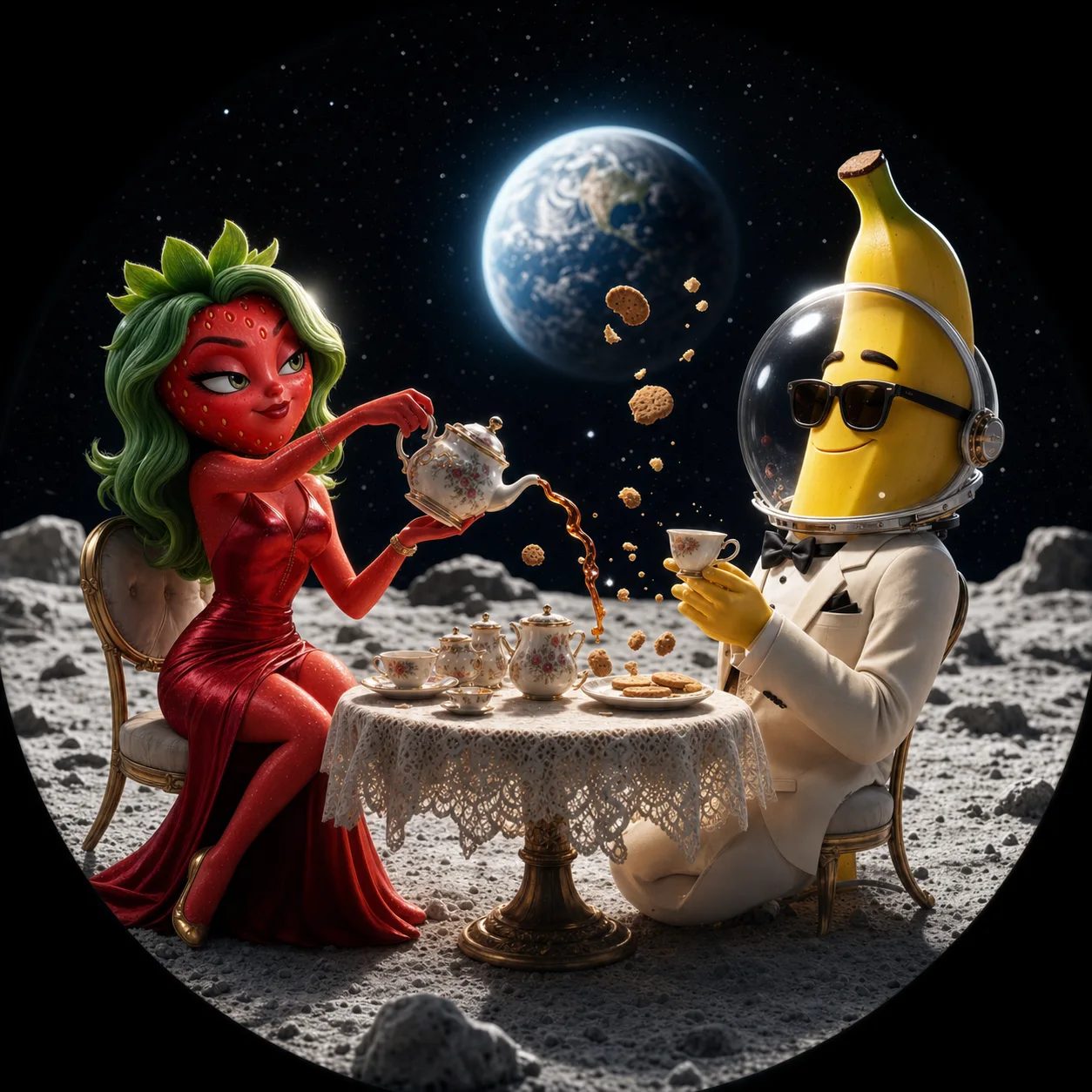
Start with a character, not a new face every time
Describe appearance, personality and the world your cast lives in. Upload a character reference or generate an image, then confirm the reference you want Rotify to use. Reusing those details gives new scenes a stronger visual anchor.
Make a series around the same cast
Keep episodes inside the same project to reuse your world and characters. Give each story a new problem and ending, and include any earlier events the next episode needs to respect.
- Define a recognizable outfit, silhouette and personality.
- Keep recurring locations and world rules in your project description.
- Review the cast and scene plan before starting video generation.
Review continuity before you spend credits
Check who is in each scene, what they know and how one moment leads to the next. Edit the story, dialogue or scene details before approving production. References help guide consistency, but AI can still change a face, outfit or prop; review the finished video before publishing.
A prompt to start from
Strawberrina and Banana Kun open a tea shop on the moon. A customer asks for milk, but the only cow is floating outside. Keep their established outfits and end with a visual joke.
Adapt the characters, setting and ending to make the story yours.